
Compress
Shrink a PDF that is too big to email.
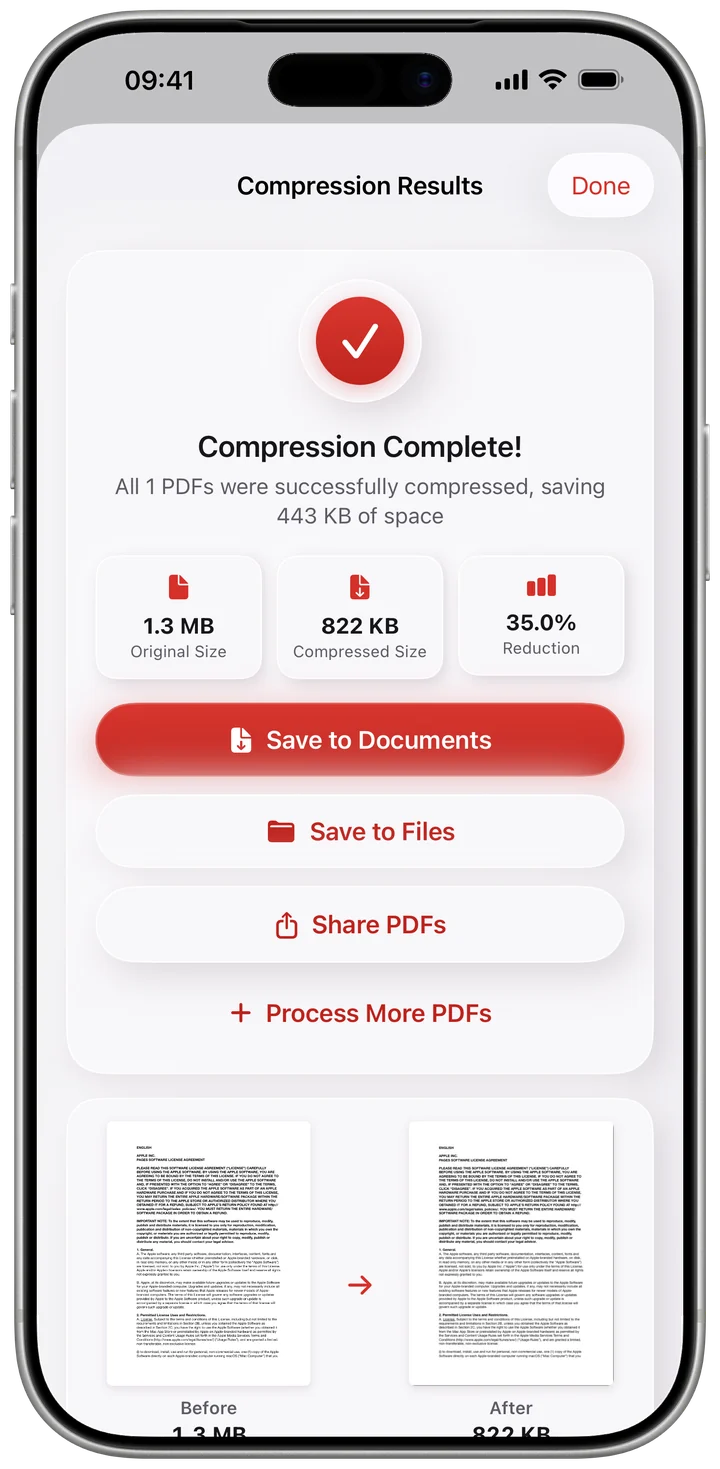
Import your PDFs and reduce the file size, a whole batch at a time. The result shows the real size before and after.
- Five quality levels
- Batch compression
- Ask Siri to compress a PDF
PDF tools for iPhone and iPad
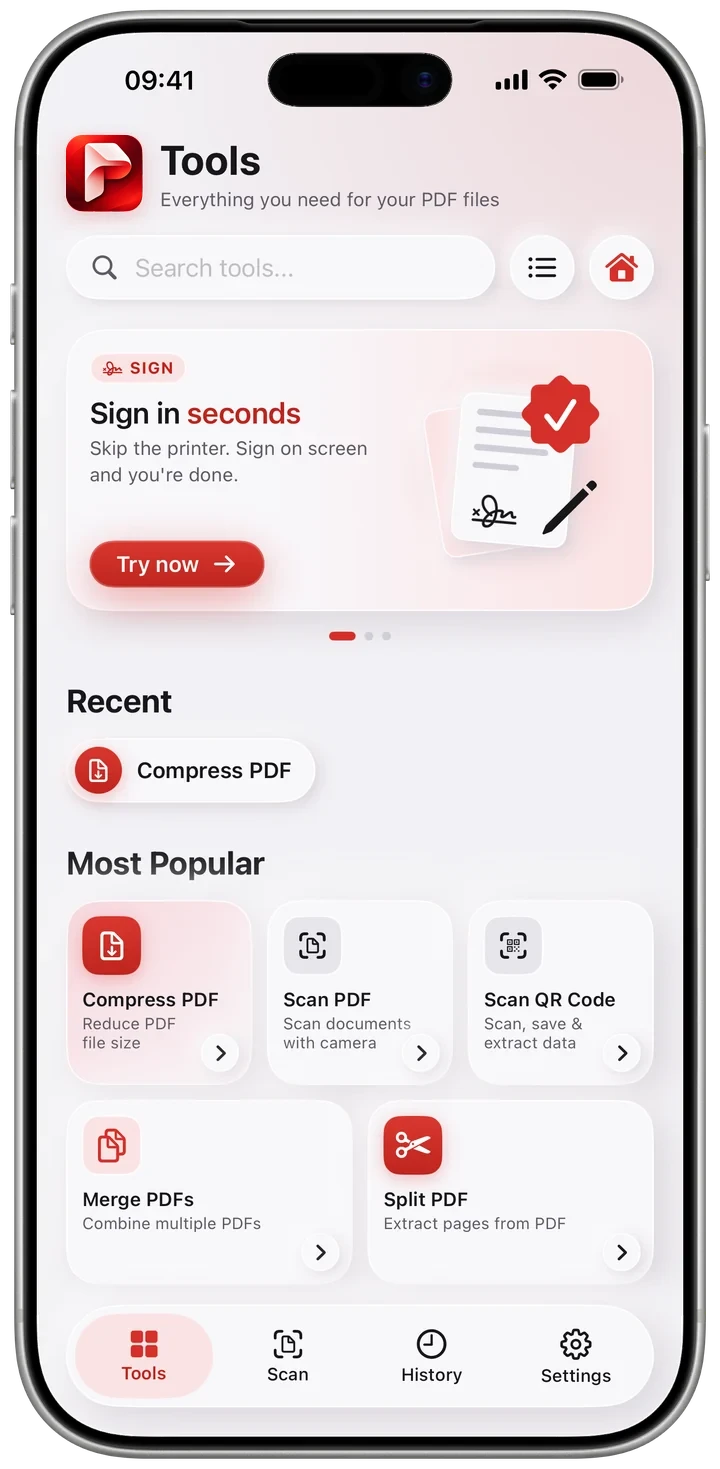
Pdfino shrinks a PDF that is too big to email, then does the other 38 jobs too: scan, merge, split, sign, fill, protect, redact and convert. No file is uploaded, and there is no account to create.
Compress
Import your PDFs and reduce the file size, a whole batch at a time. The result shows the real size before and after.
Scan and convert
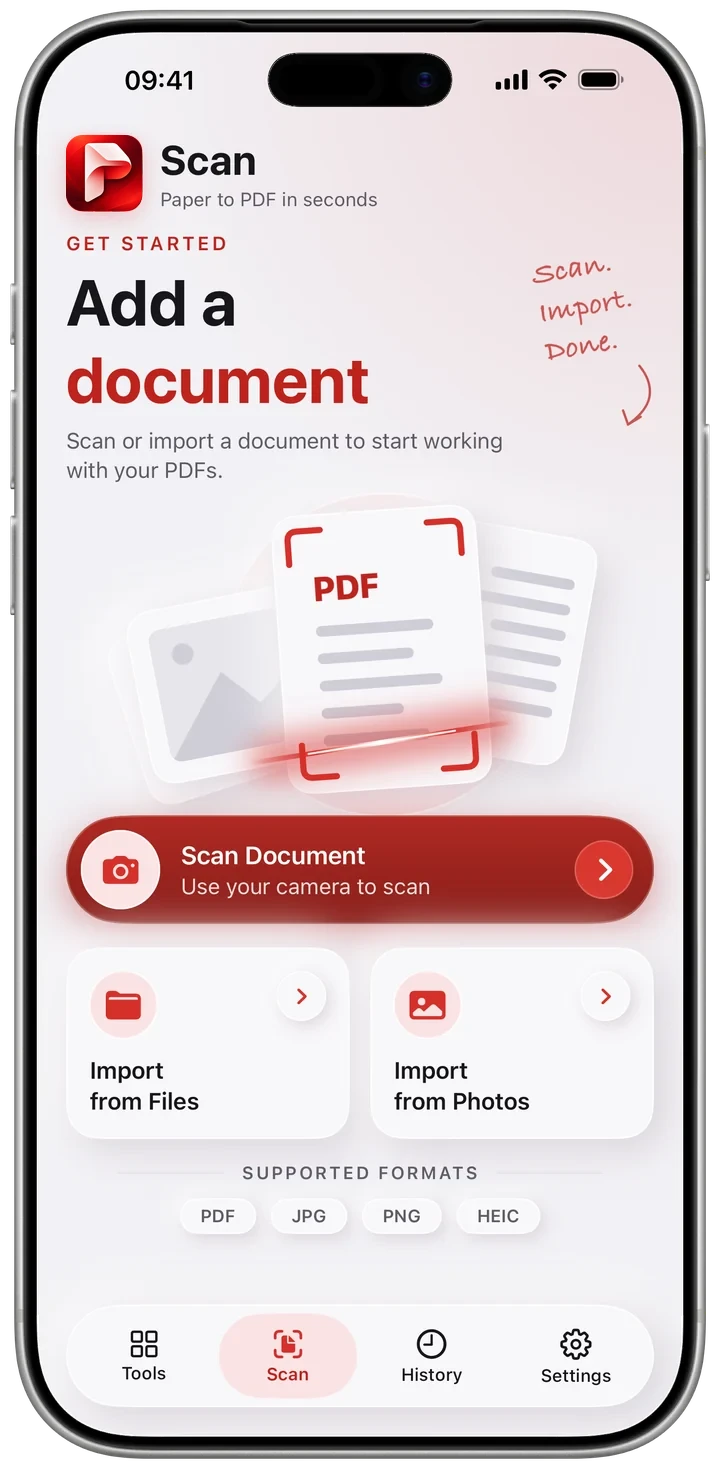
Scan with the camera, with edge detection, multi page capture and four filters. Turn images into a PDF, export pages back out as PNG or JPEG, and convert Word documents, Markdown, HTML and live web pages.
Merge, split and rearrange
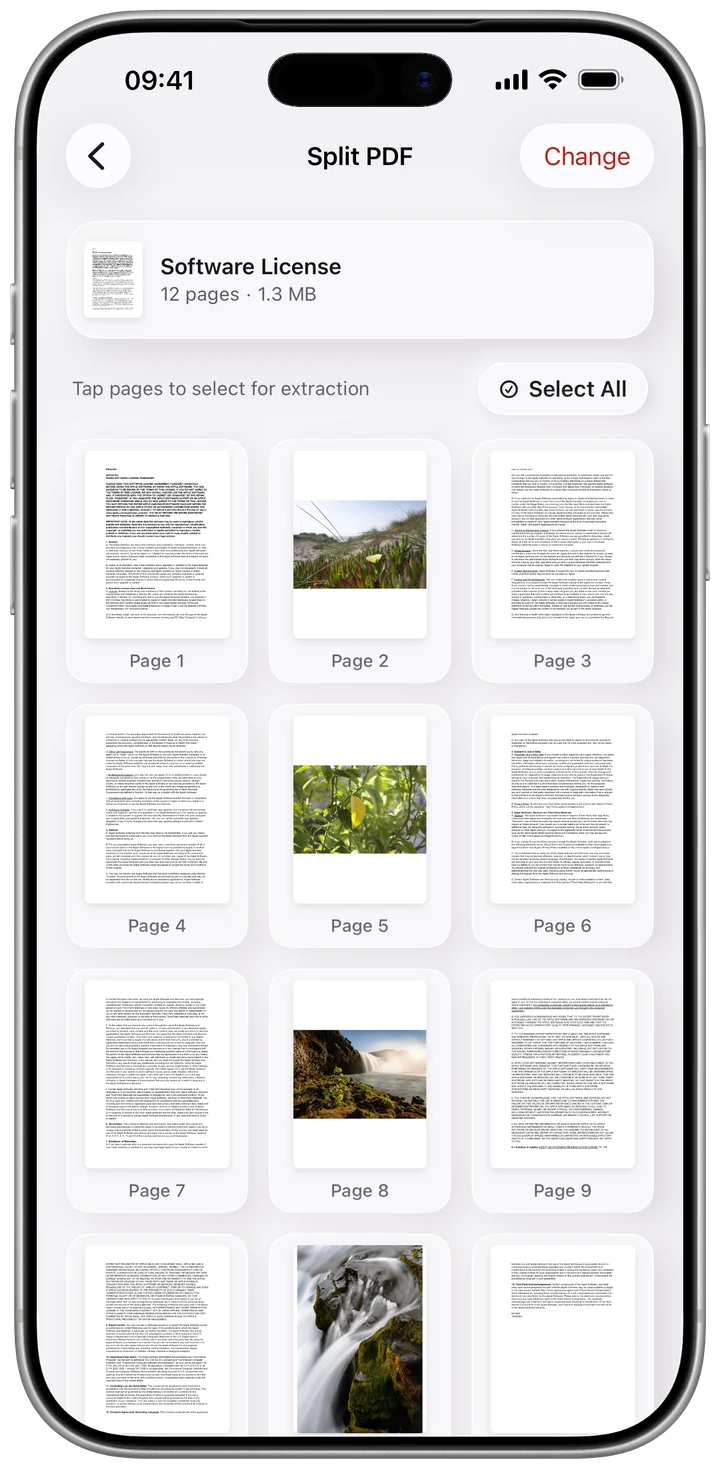
Combine several PDFs into one, pull out only the pages you need, then reorder, rotate, crop, resize, replace or delete pages. Add page numbers, headers, footers and bookmarks.
Sign, fill and protect
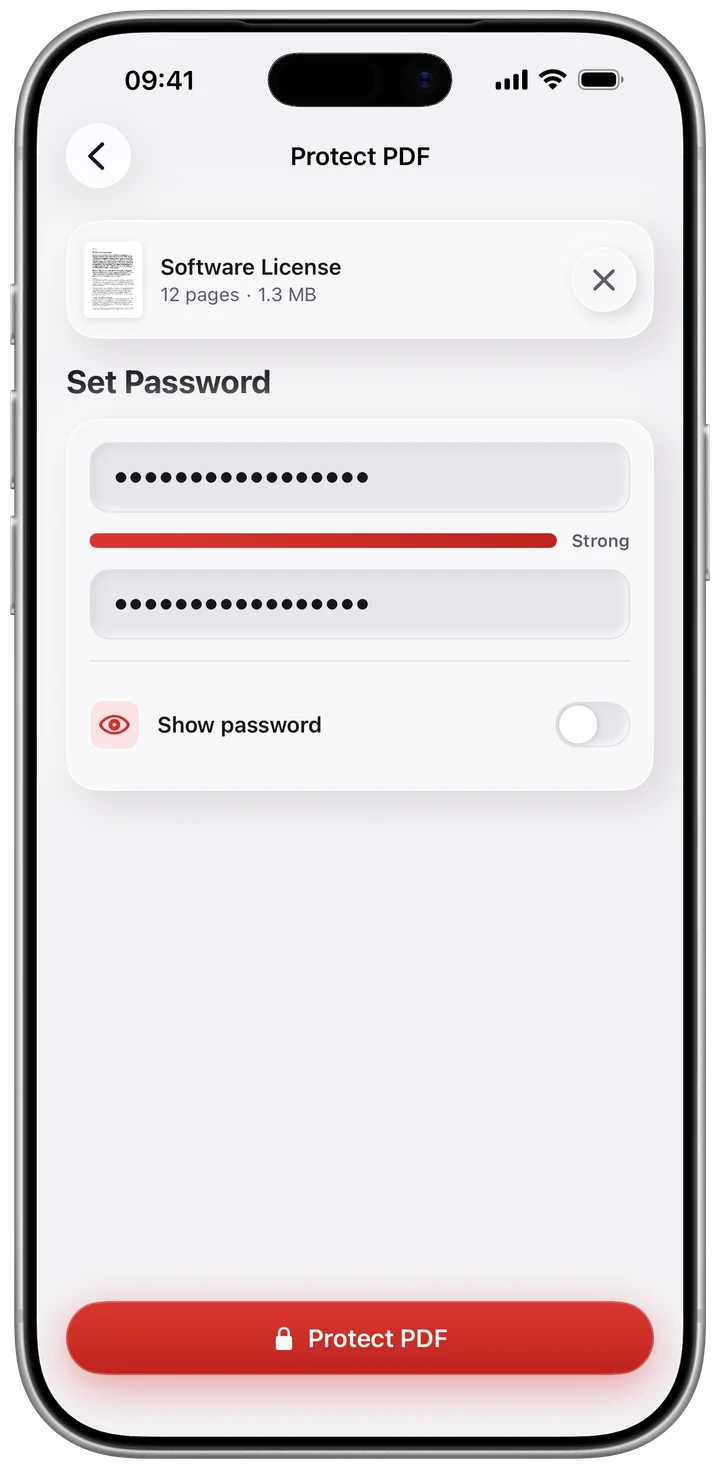
Draw your signature and keep up to five saved. Fill in form fields, add a watermark, and password protect a PDF. Redaction rebuilds the page, so the text underneath leaves the file instead of hiding behind a box.
All tools
Grouped the way you find them in the app. Search covers every tool, and History remembers every job.
Private by default
Pdfino does its work on your iPhone or iPad. There is no Pdfino server, and nothing to sign in to.
Scanning, OCR, compression and redaction all happen on your device.
Open the app and start. There is nothing to create and nothing to log in to.
Two tools fetch a web address you type in yourself. The app shows ads and uses analytics only if you allow it.
Questions
Yes. Every tool is free once a day, and Annotate, Fill Forms, Redact, Translate and Compare have no daily limit. Compression works from its own allowance of ten, and a short video adds three more or unlocks everything for 24 hours. A subscription removes the limits and the ads; the App Store shows its price for your region.
No. Your documents are processed on your device and there is no Pdfino server to send them to. Two tools fetch a web address you type in yourself, and that is the only time a document you are working on involves the network.
Yes. Pdfino is an iOS and iPadOS app available on the App Store. pdfino.com is its only official website.
Yes. Pdfino runs on iPhone and iPad.
PDF files, plus images in JPEG, PNG and HEIC. Word documents, Markdown, HTML and live web pages convert into PDFs, and any PDF can be exported as PNG or JPEG.
Open Settings on your iPhone or iPad, tap your name, then Subscriptions.
Write to pdfinoapp@gmail.com and we will get back to you.

Free to download. No account to create.
